Support › Workflows
Write invoice reminder templates that don't sound robotic
Generate a reminder template with AI, write one from scratch, or edit an existing one, so every chase sounds like you and not a form letter.
- Generate a personalised template in seconds with AI and edit
- Write a template from scratch when you want full control over the wording
- Add AI enhancements to any template to subtly vary the wording with each send
- When editing, update a template everywhere it's used or save your edit as a new template in one place
Available on all plans
How to write a new template
Go to your workflow and add a new step
Under the relevant table in the workflow, choose Add new and decide template type and when it should be sent.
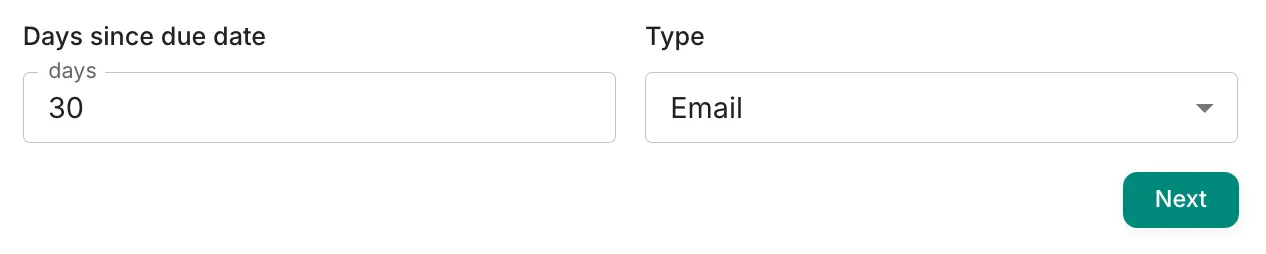
Adding a new step to a workflow. In the template selector, choose Create new
This gives you the option of write your own template from scratch or generate with AI.
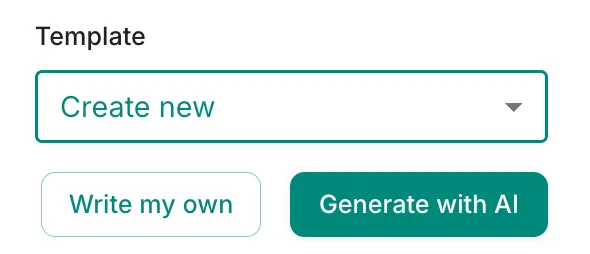
Starting a new template from a workflow step. Generate with AI and edit
This is the fastest route. Give Trove a prompt and it will create a first draft for you to edit. It will automatically fill out dynamic fields like invoice number, due date and total amount due. If you are copying templates over from an existing system, just paste it into the prompt and Trove will add the correct dynamic fields for you.
Or write your own from scratch
This is also fully supported if you would rather start with a blank template.
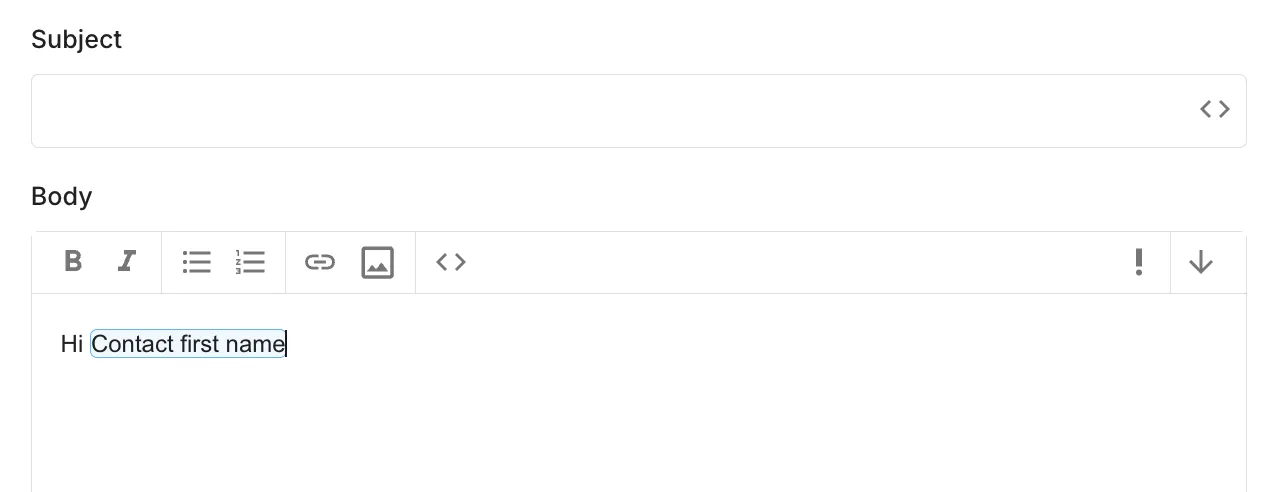
Writing a template from scratch. Add AI variation
Whichever way you started, you can apply AI variation to vary sentences and avoid identical weekly emails.

Add AI variation to a template. Skip the signature if you’ve already set one up
Trove pulls your signature in automatically from your email settings, so you don’t need to add it to the template itself.
Editing an existing template
Open the template
Open the template from Templates or from inside the workflow action that uses it.
Make your changes and choose Update
If the template is used in more than one place, Trove asks you to confirm before the change applies everywhere.
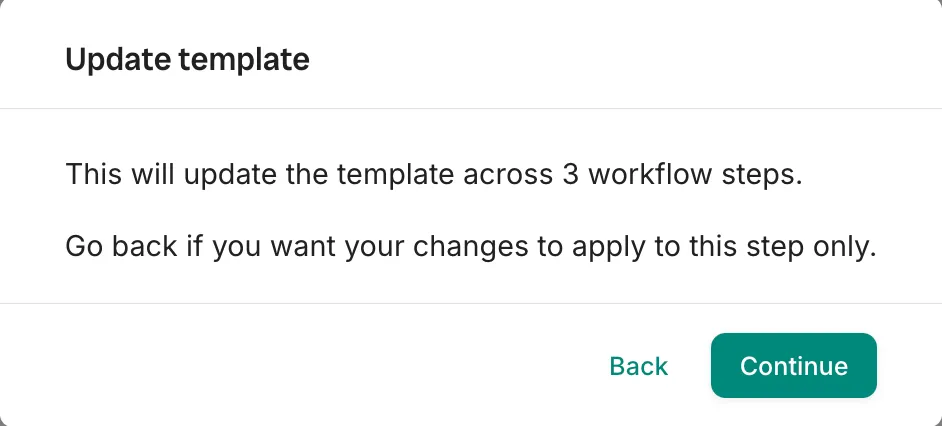
Confirming an update to a shared template. If you only want to update the template in one place, save it as a new template instead
This keeps the original template untouched everywhere else it is used.
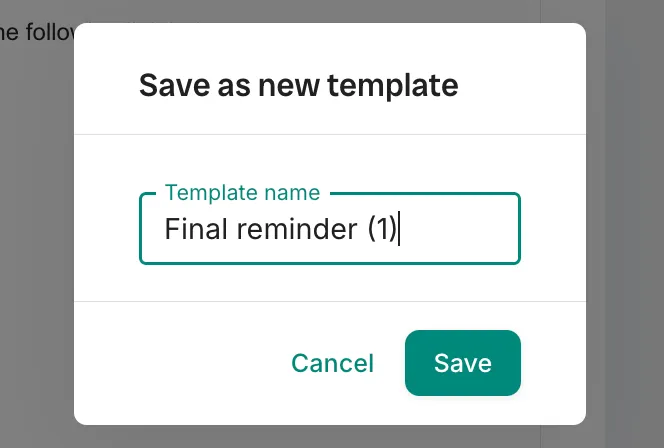
Saving edits as a new template instead of updating everywhere.
What plans include it
Available on all plans
This feature is part of Trove's core set and is included on all plans.